
Choosing a new main address
You can set up a new main email address at any time. To do this, either designate an existing alias as your new main address or create a new alias.
Attention
Please proceed carefully when changing your main address. Logging in to your mailbox account is only possible using the main email address of your account as user name-aliases will not work.
To change your main address, please follow these steps:
- In the mailbox Suite, navigate to All settings > Email addresses > Email aliases.
- Add a new alias with your desired new email address.
- In the Select a new main adress drop-down menu, select the new alias.
- Click the Change main address button. This will convert your former main address into an alias.
- You can then delete your former main address if you no longer wish to use it as an alias.
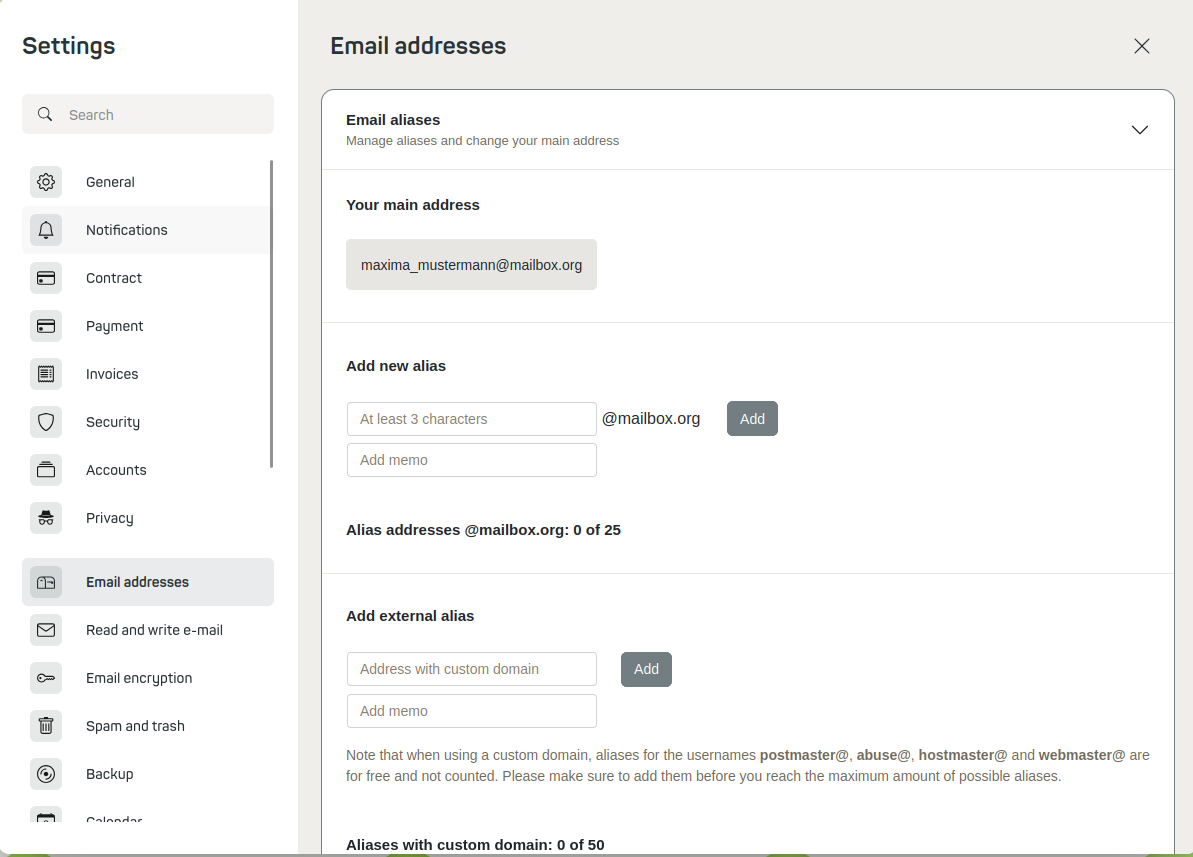
Choose a new main address
The new main address will automatically be set as the default sender address for your emails.


