
Customising the quick launch bar
The quick launch bar is located at the top left of mailbox Office after logging in.
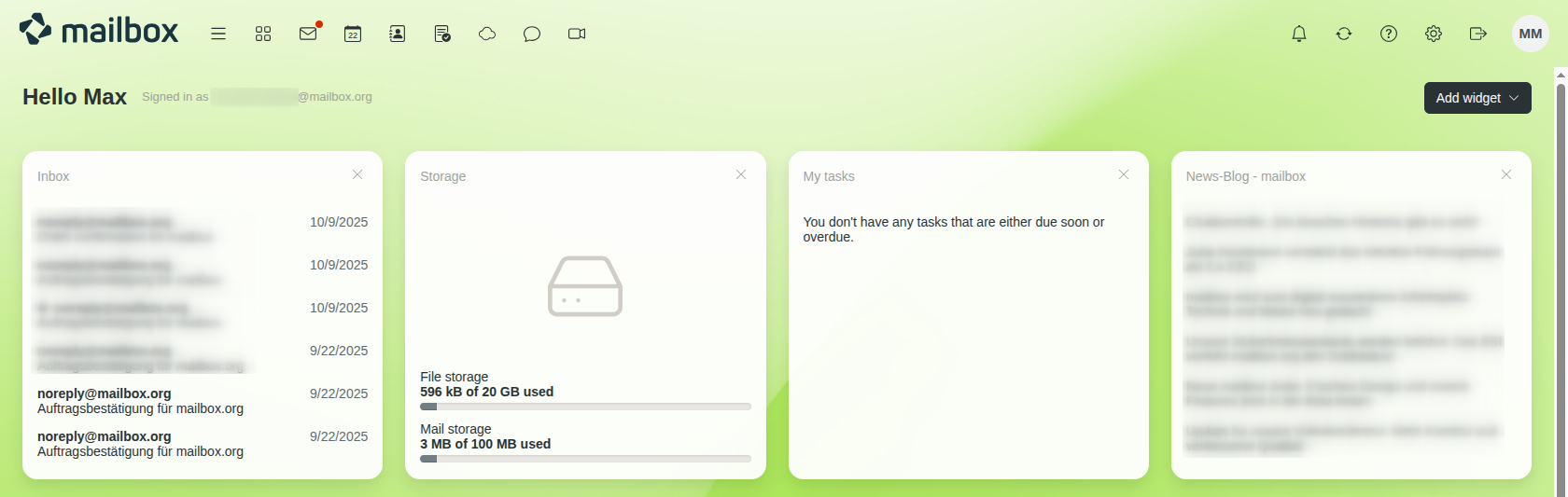
Quick launch bar in mailbox Office
What can be configured?
You can freely decide which icons are displayed in the quick launch bar and hide any icons you do not want to see.
In addition, you can define a default start page for mailbox Office. This page will be displayed directly after logging in (for example, Drive or your mailbox inbox).
You can customise these settings by clicking the gear icon on the top right and navigating to All settings > General > Apps.
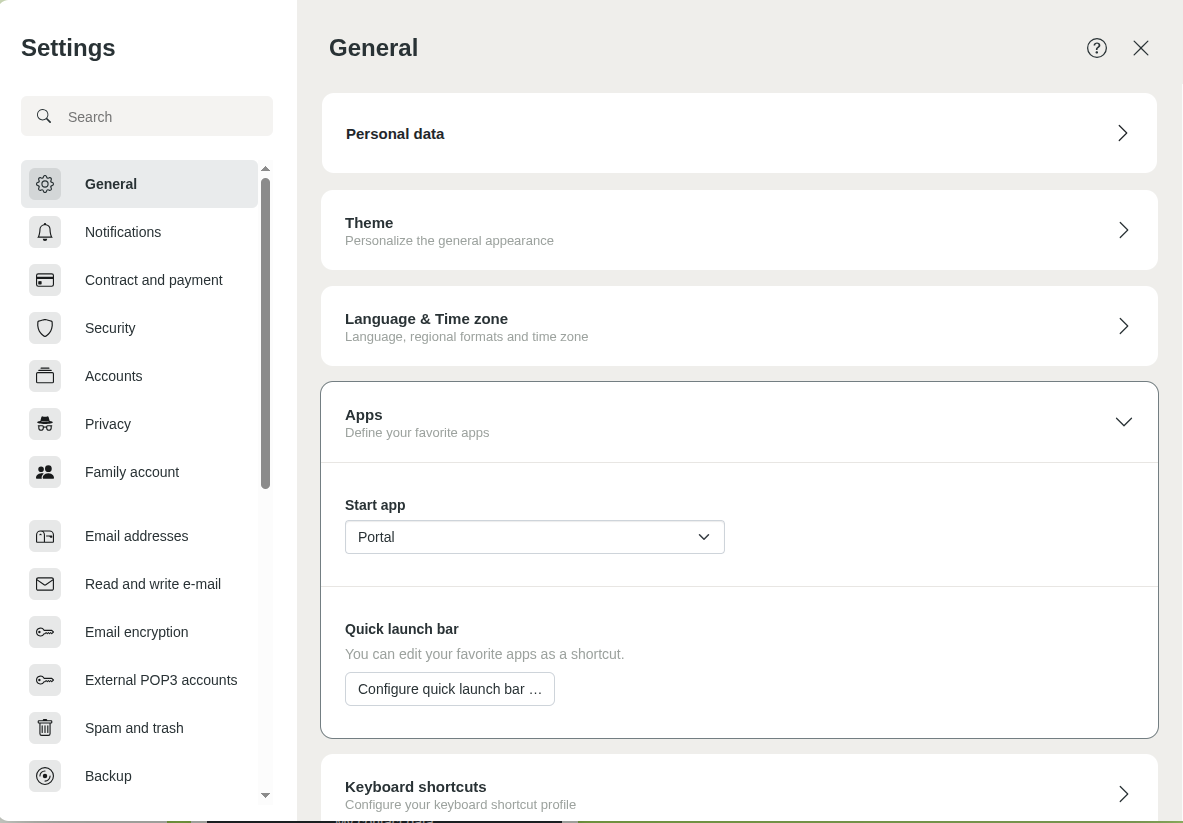
Menu item “Apps” in the mailbox settings
How do I customise the quick launch bar?
- Click the gear icon on the top right and select All settings.
- In the settings, navigate to General > Apps.
- Click the Configure quick launch bar button.
- Select the desired position for each icon. To keep a position in the quick launch bar empty, select None.
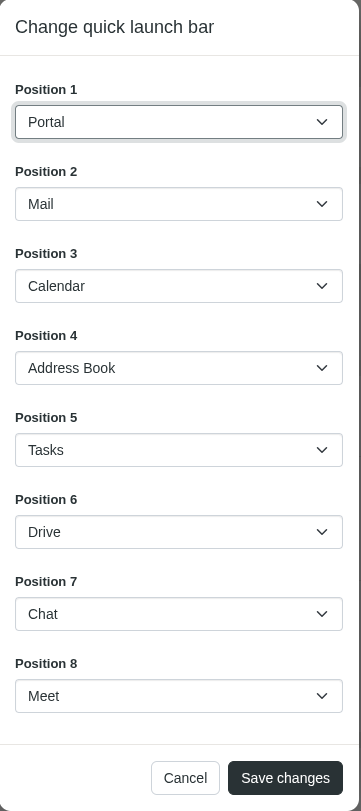
Changing the quick launch bar - Click Save changes.


