
Changing your plan
You can change your mailbox plan yourself at any time. You can choose between annual or monthly billing. For the Light plan, only annual billing is available.
If you switch to a different plan, any unused credit will be credited to your mailbox account – so you cannot lose any money. For example, if you have only used the Standard plan for half a month, you will be charged half the monthly price and the remaining credit will be carried over to your new plan.
How to change your plan
- Log in to mailbox Office.
- Navigate to All settings.
- Select the menu item Contract and payment.
- In the Change plan section, select your preferred plan.
- Confirm that you accept the terms and conditions and that you are aware that the right of withdrawal will expire.
- Click Order with obligation to pay.
The change of plan takes effect immediately. The new contract end date is shown in the Contract section.
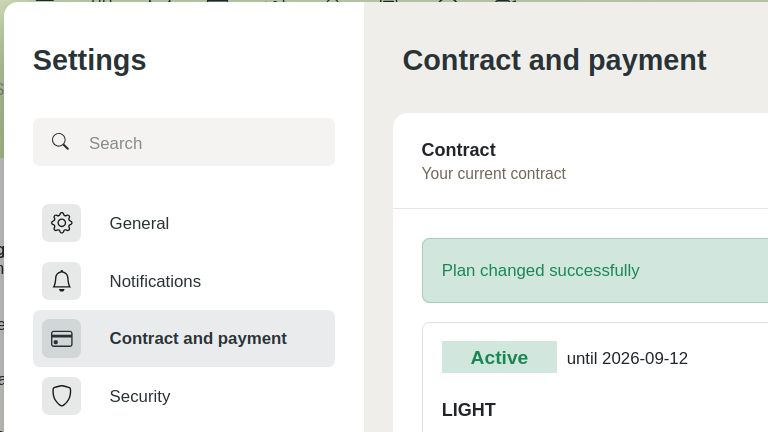
Confirmation of a successful plan change in the mailbox settings


