
Setting up the Auditor role
To set up the Auditor role:
- In the Business console, select Mail Archive from the navigation bar.
- In the Auditor tile, select Set up now.
A new form opens. The email address is generated automatically and cannot be changed.
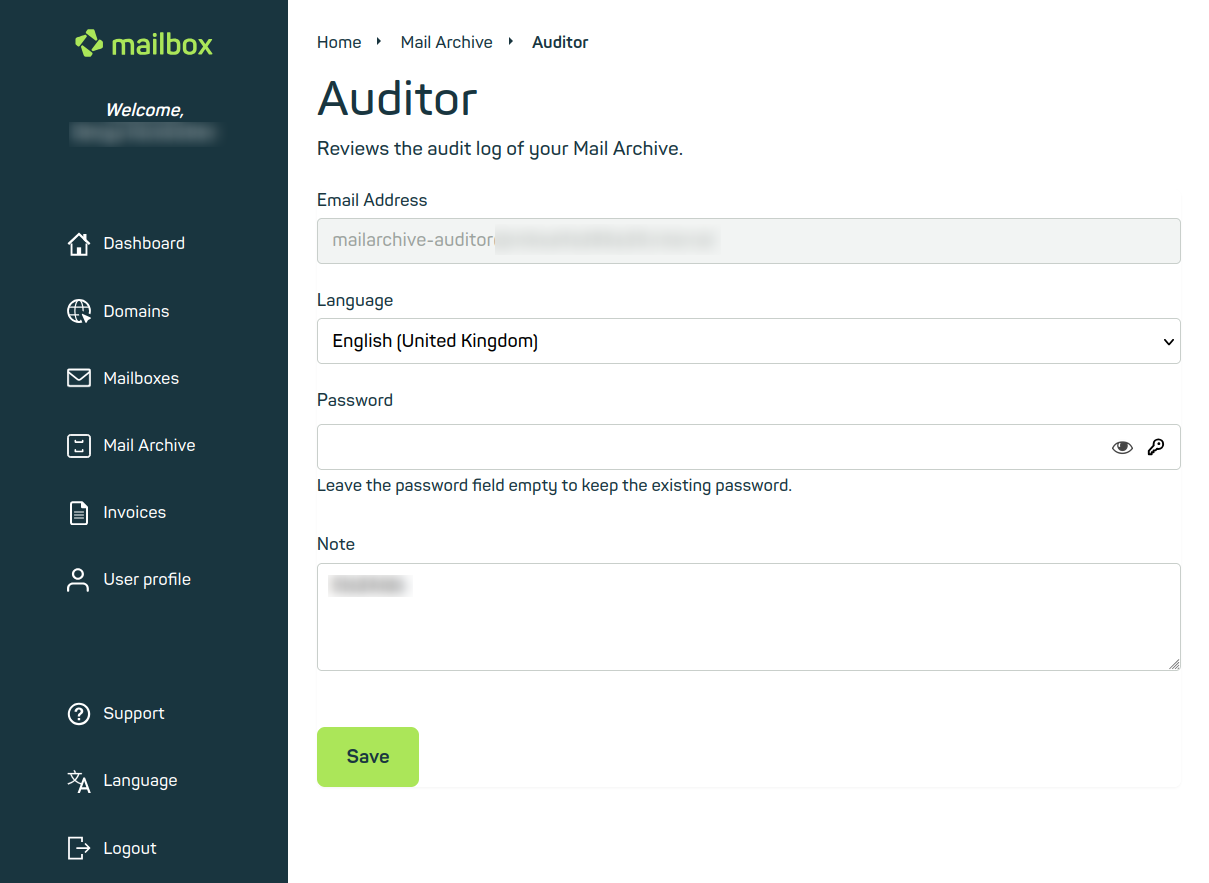
Setting up the Auditor role in the Business console - Select a language for the role.
- Set a password for the role.
- Optionally, add a note.
- Click Save.
The Auditor can now sign in to the webmail client using the email address and password and view the audit trail.


