
Importing emails into the Mail Archive
As the Business account administrator, you can import existing emails from a mailbox into the Mail Archive. This step is optional and is useful immediately after enabling the Mail Archive for the mailbox.
To import existing emails into a mailbox's Mail Archive:
- In the Business console, click Mailboxes in the navigation bar.
- Click the mailbox containing the emails you want to import into the Mail Archive.
- In the mailbox settings, scroll down to the Mail Archive section.
- Click Import Emails.
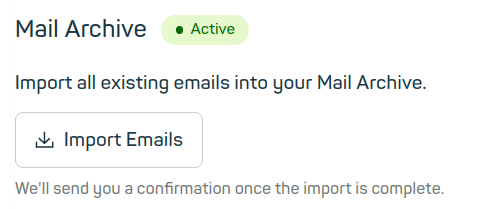
Importing emails into the mail archive - Confirm the import by clicking Start Import.
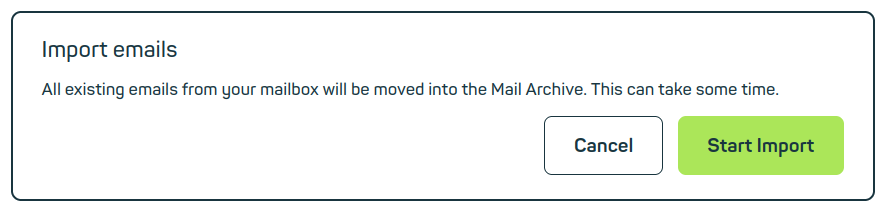
Confirm import
The import will start. Depending on the amount of data, this may take some time. You will receive an email notification when the import is complete.
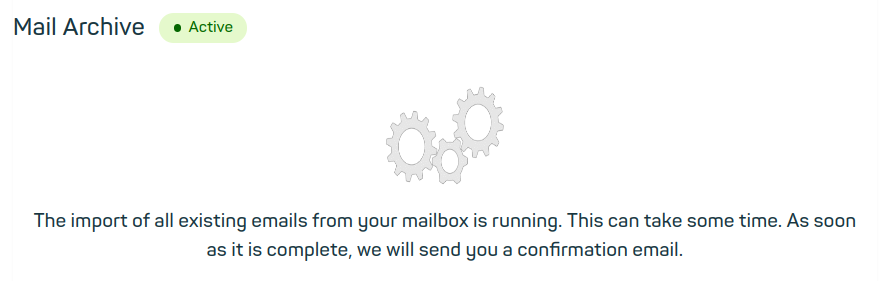
Import in progress


