
Reviewing the audit trail (Auditor)
The Auditor can view all relevant activity relating to every email in a tenant, including emails for which deletion has been requested.
As an Auditor, sign in to the mailbox webmail client using your credentials. You will be taken directly to the Mail Archive.
Deletion requests appear greyed out in the Mail Archive and are marked with an X:
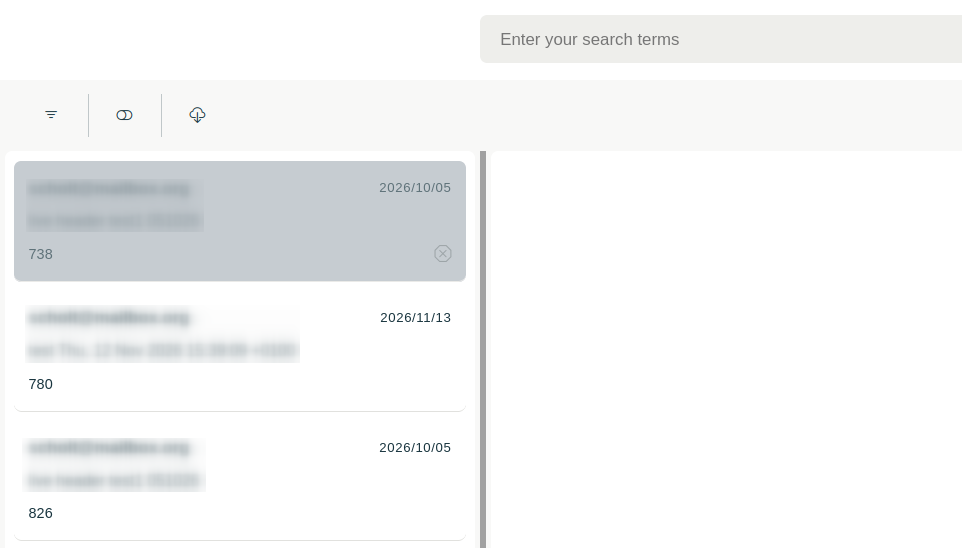
Displaying deletion requests in the Mail Archive
You will find a link to the audit trail above the email list:
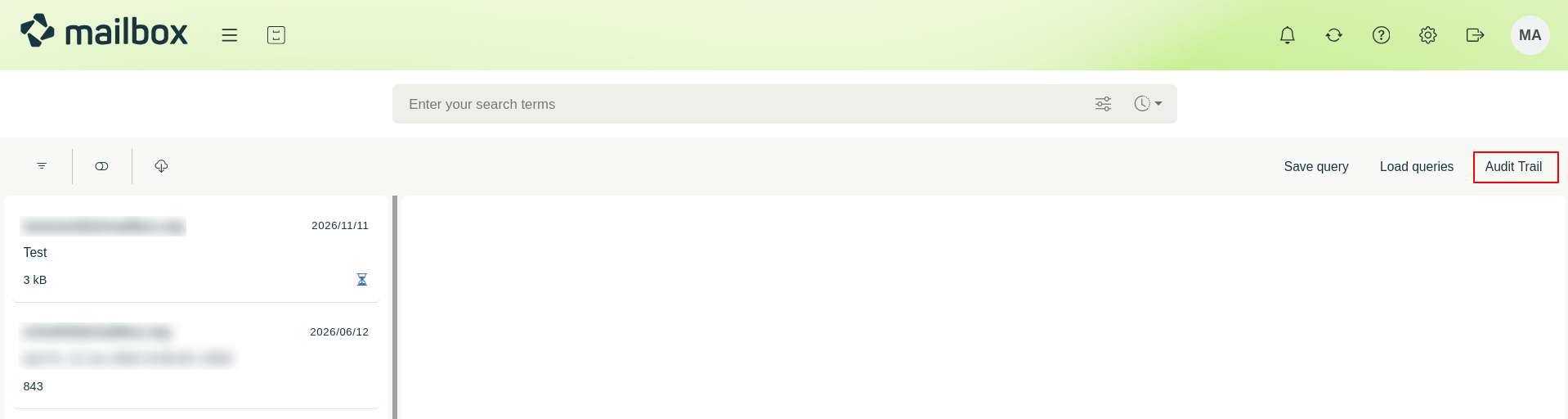
Link to the audit trail
You can sort, export and search the entries in the audit trail:
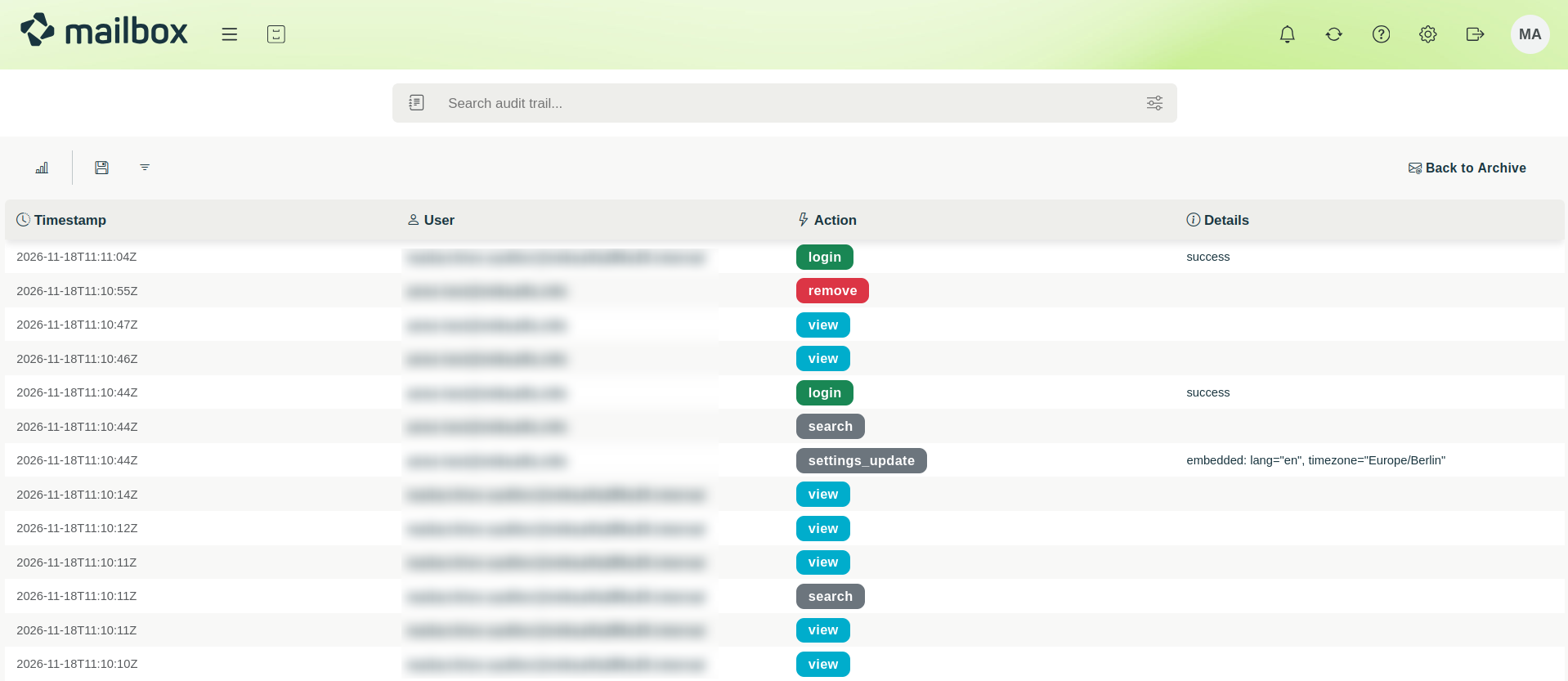
Audit trail
Use the advanced search to apply additional filters, for example by action, user who performed the action and date range:
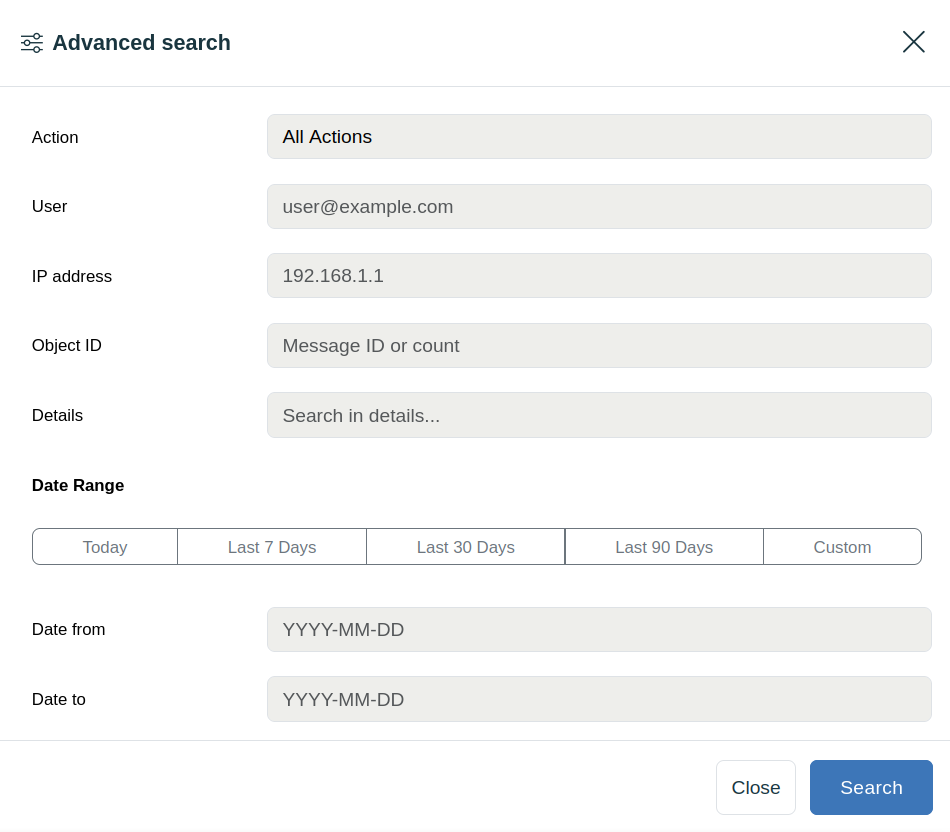
Rejecting deletion requests


