
Initialising Mail Archive
Before you can enable Mail Archive for individual mailboxes, you must initialise it once for your Business account. Only the administrator can do this in the Business console.
To initialise Mail Archive:
- Sign in to the Business console.
- Select Mail Archive in the navigation bar.
- Click Initialise.
Mail Archive will be set up. You will receive an email notification automatically when initialisation is complete.
Once setup is complete, the Mail Archive menu displays a dashboard with the following information:
- Number of enabled Mail Archives
- Total storage used
- Number of archived emails
You can also use the dashboard to set up the Data Officer and Auditor roles.
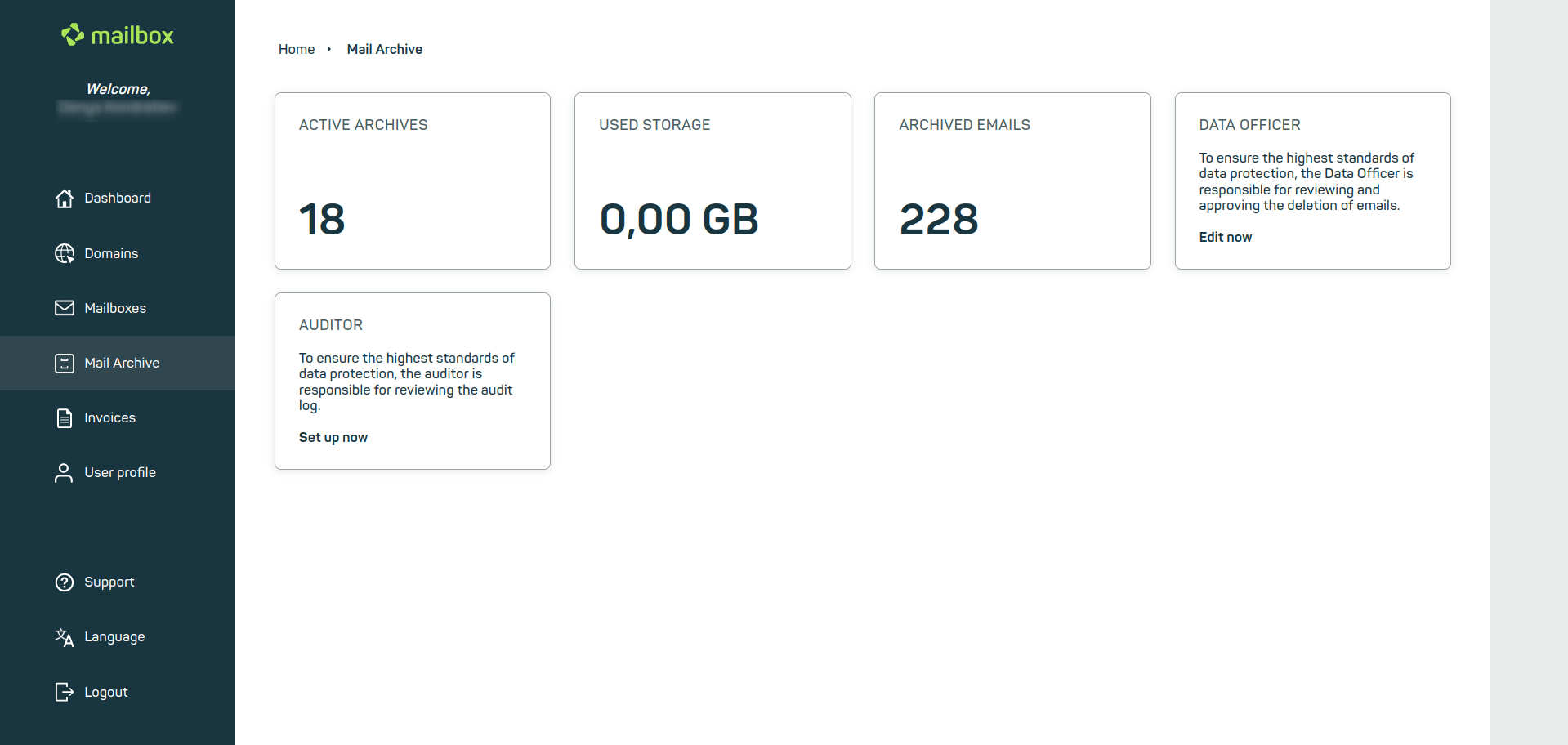
Mail Archive dashboard in the Business console


