
Activating Mail Archive for a mailbox
Note
Mail Archive is a paid service. Charges start when you activate the archive and are shown clearly on your invoice. You are charged based on actual usage:
- Archive activation: €1.00 per activated email archive per month
- Storage: €0.50 per GB or part thereof per month
All prices are exclusive of VAT. VAT will be charged at the applicable rate.
To activate Mail Archive for a mailbox:
- In the Business console navigation, select Mailboxes. The Mail Archive column shows which mailboxes already have the archive enabled.
- Select the mailbox for which you want to enable Mail Archive.
- In the mailbox settings, scroll down to the Mail Archive section.
- Click the Enable Archive button.
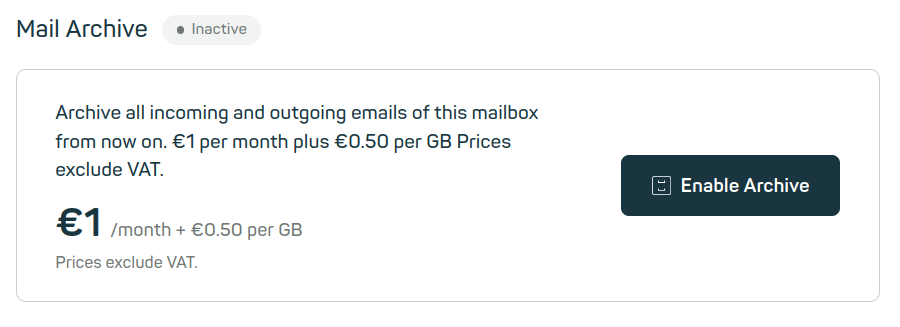
Activating Mail Archive for a mailbox
Mail Archive is now active for the mailbox, and billing begins. From this point on, all new emails sent and received by the mailbox are automatically added to the archive. The Mail Archive icon will appear in the mailbox webmail client.

Mail Archive icon in the mailbox webmail client
To add emails sent and received before activation, import them from the mailbox.


