
Displaying Family account members
In the settings under Family account, the Family account administrator is shown a list of all family members, regardless of the billing method selected.
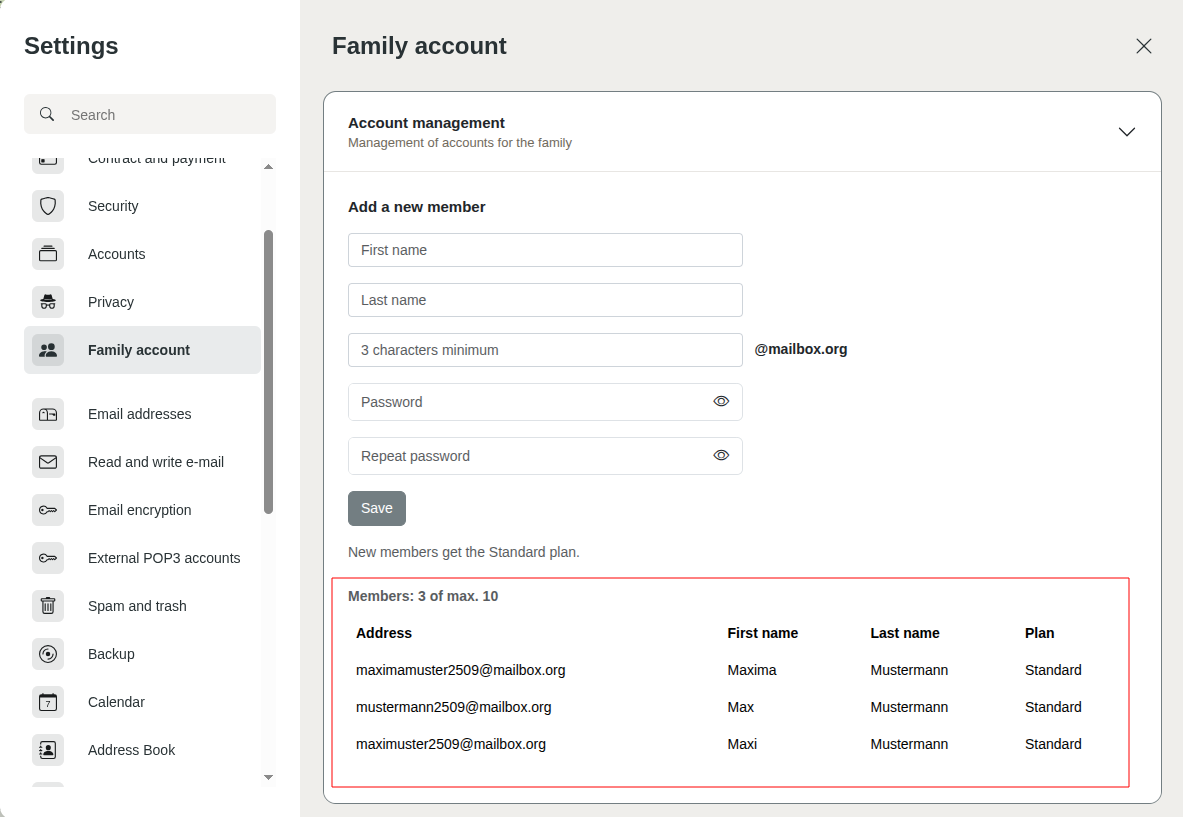
Display of family members in the settings
In addition, a group comprising the members of the Family account is automatically created in mailbox Office. This group is displayed to all members of the Family account under All settings > Groups.
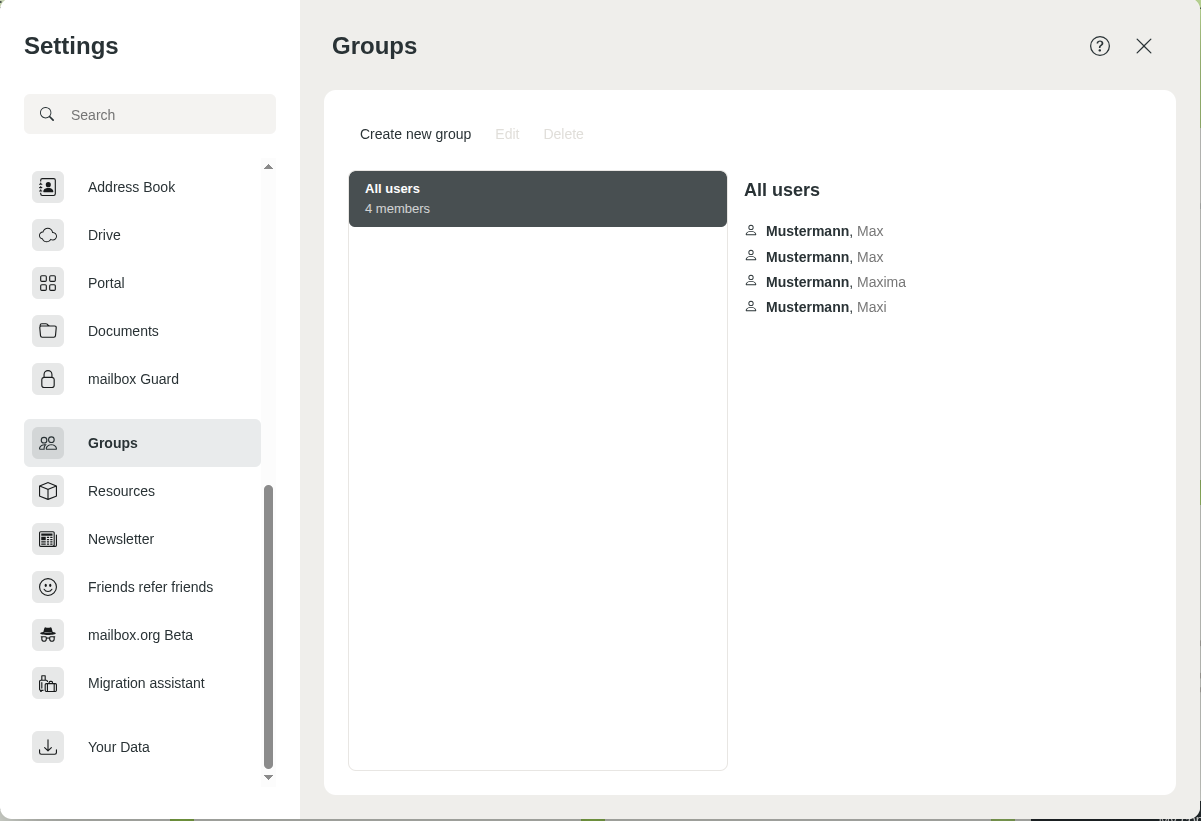
Family members are also displayed in the settings under “Group”
All members of the Family account are automatically added to the global address book under Public address books.
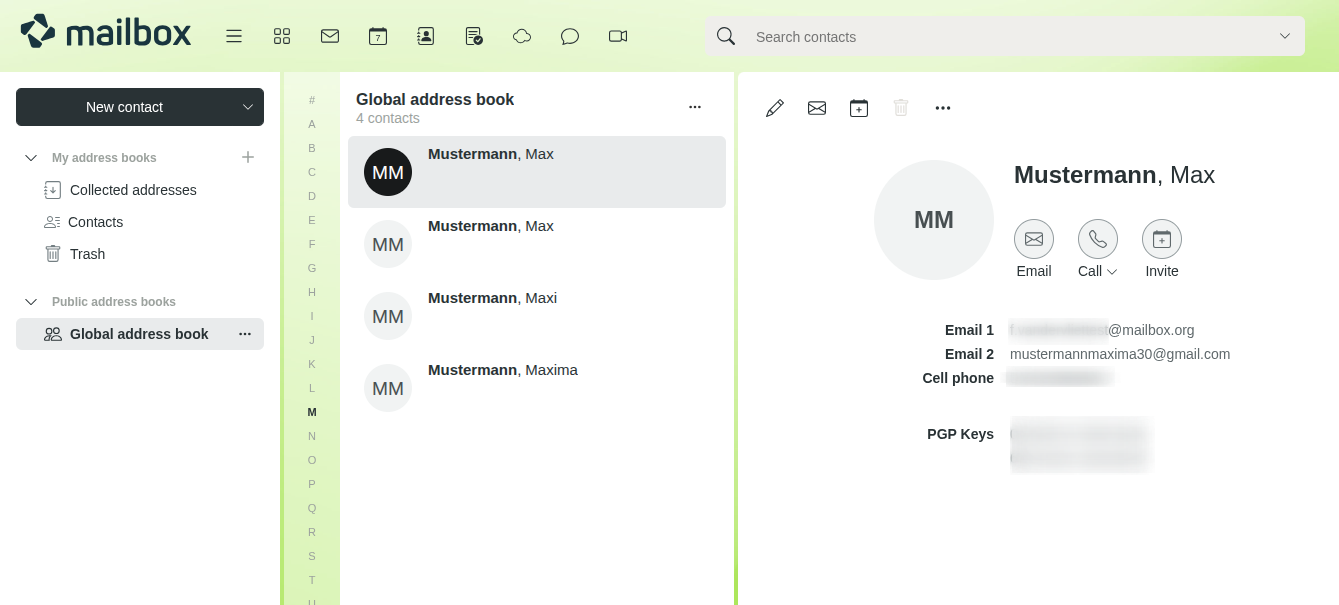
Display of family members in the global address book


