
Create a personal address book
Create a personal address book
The global address book automatically contains all contacts within your context. However, this address book cannot be edited – for that, you need a personal address book.
To create one, open the mailbox Address Book, click on Add new address book, and select Personal address book from the menu. You can then add new contacts, which will appear in your address book afterwards.
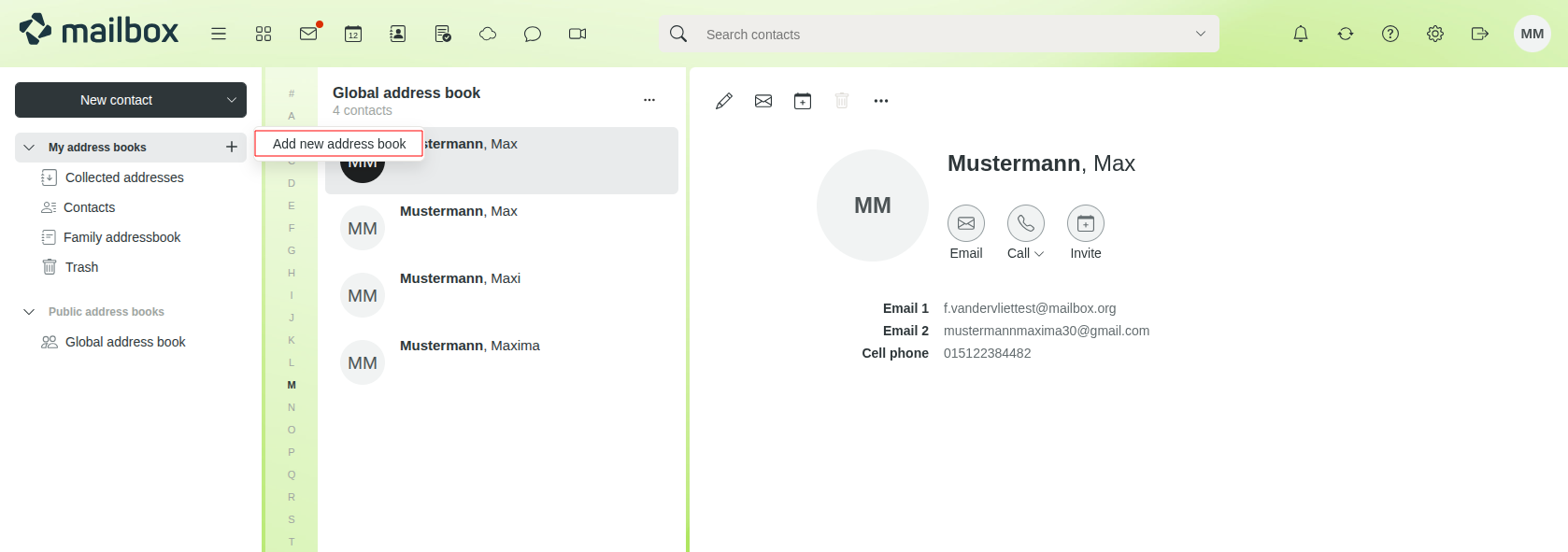
Abbildung 1: New personal adressbook.


