
Setting up a notice of absence
A notice of absence (also called autoresponder, Automatic reply in mailbox Office) automatically informs senders that you are currently unavailable. This function is useful, for example, during vacation periods or extended absences.
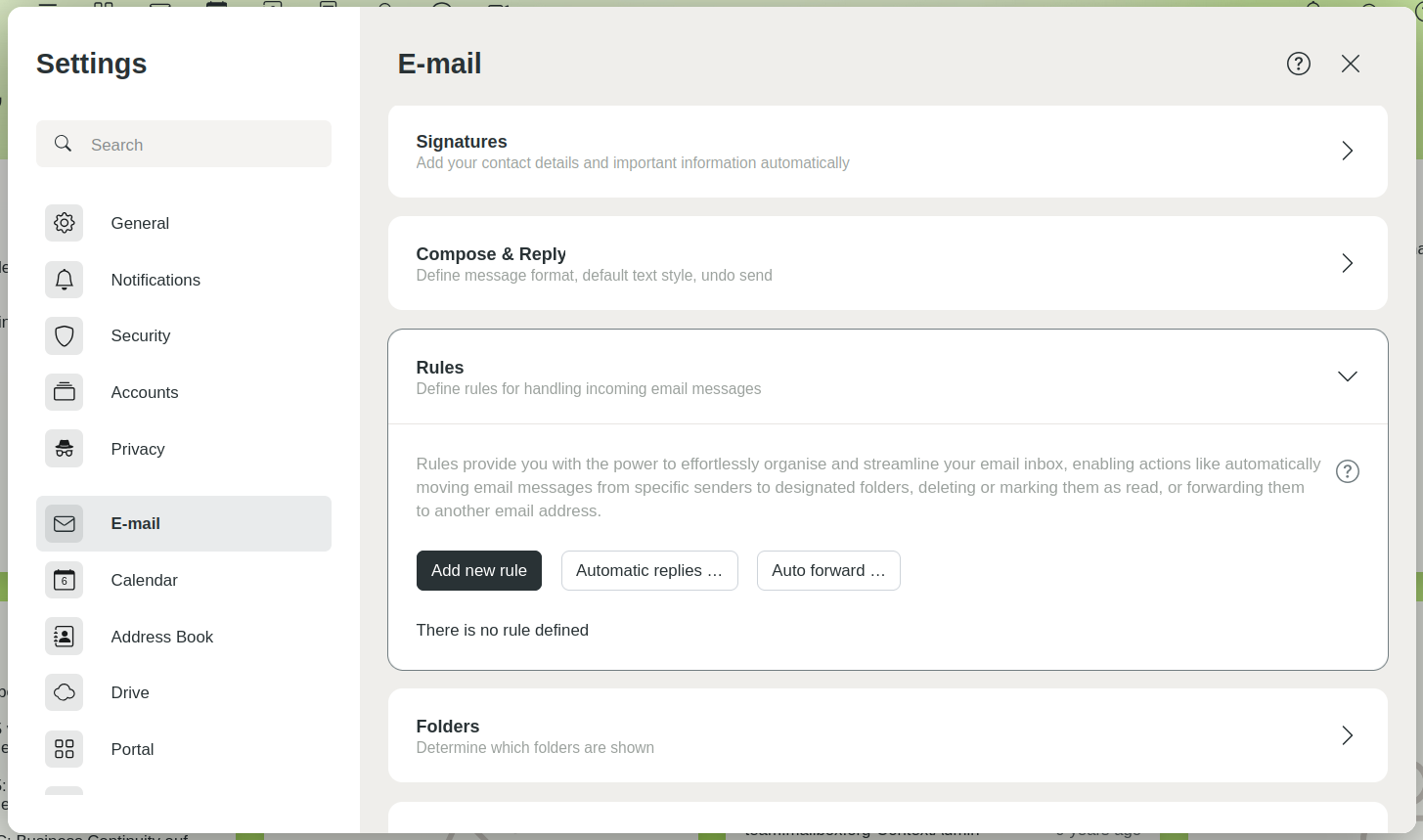
Set up a notice of absence
Activating a notice of absence
- In mailbox Office, navigate to All settings > E-mail > Rules.
- Click Automatic replies.
A settings dialog will open. - Activate the notice of absence by switching the toggle Automatic replies.
Configuring a notice of absence
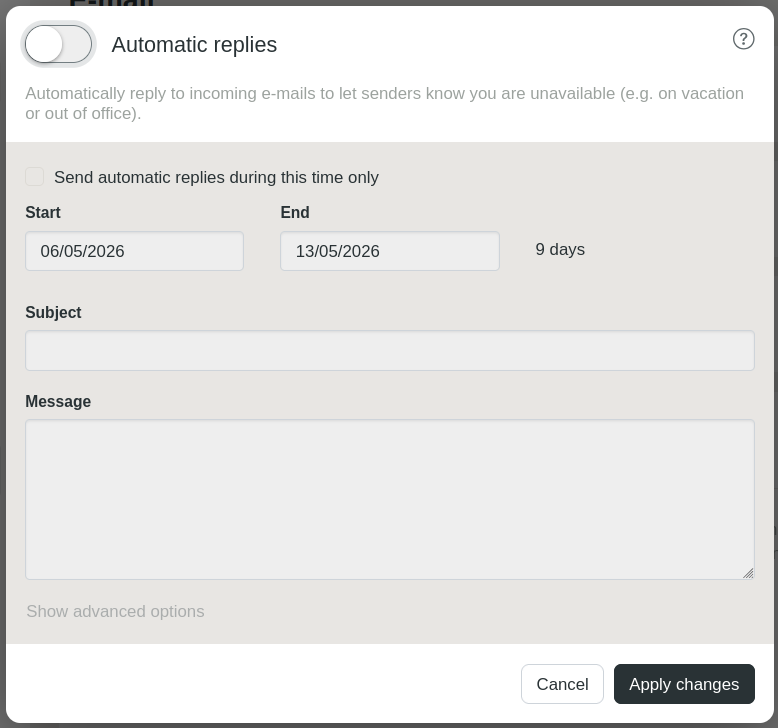
Configure the notice of absence
Fill in the following fields:
Start: Date and time when the notice of absence should be sent.
End: Date and time until which the notice of absence should remain active.
Subject: Subject line of the notice of absence.
Message: Content of the notice of absence.
Confirm your entries with Apply changes.


