
Embedding school breaks and holidays
A common standard for calendar data in file format is the iCal file. These files allow you to create a local backup of your calendar or import calendar data from other sources into your own calendar.
For example, would you like to add current school holidays to your calendar without having to enter everything manually? Then you can import a corresponding iCal file.
At schulferien.org, you can download school holiday dates as iCal files.
More and more regional waste management companies also provide their waste collection calendars in digital form as downloadable iCal files – simply check the website of your local waste service or county. You can also find many public holiday calendars available online for import.
Please create a new calendar to import such files and do not use your main calendar.
Importing an iCal file
If you would like to add a school holiday calendar from schulferien.org to your calendar, proceed as follows:
-
On schulferien.org, select the Holidays tab and click on Holidays in iCal format.
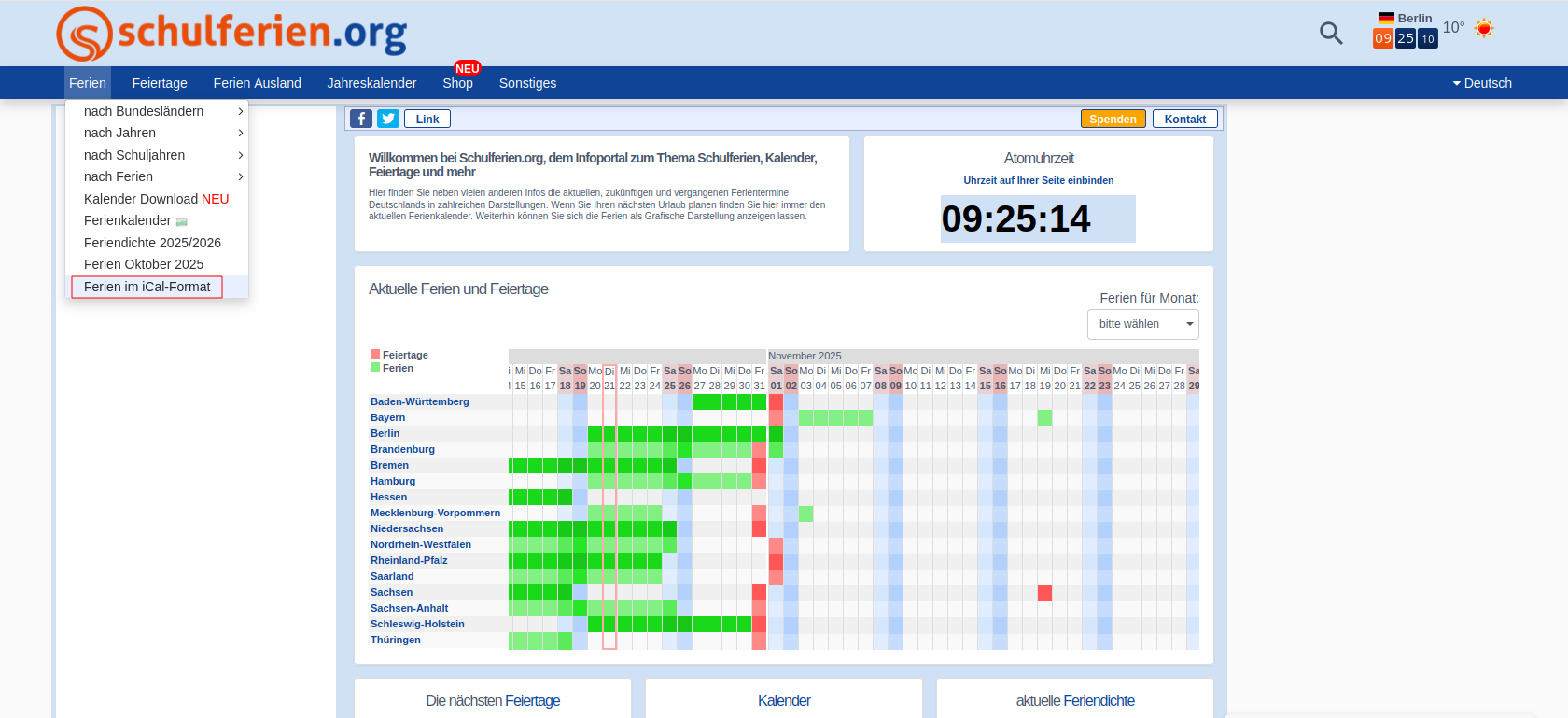
Using the school holidays calendar from schulferien.org -
Select the desired iCal file.
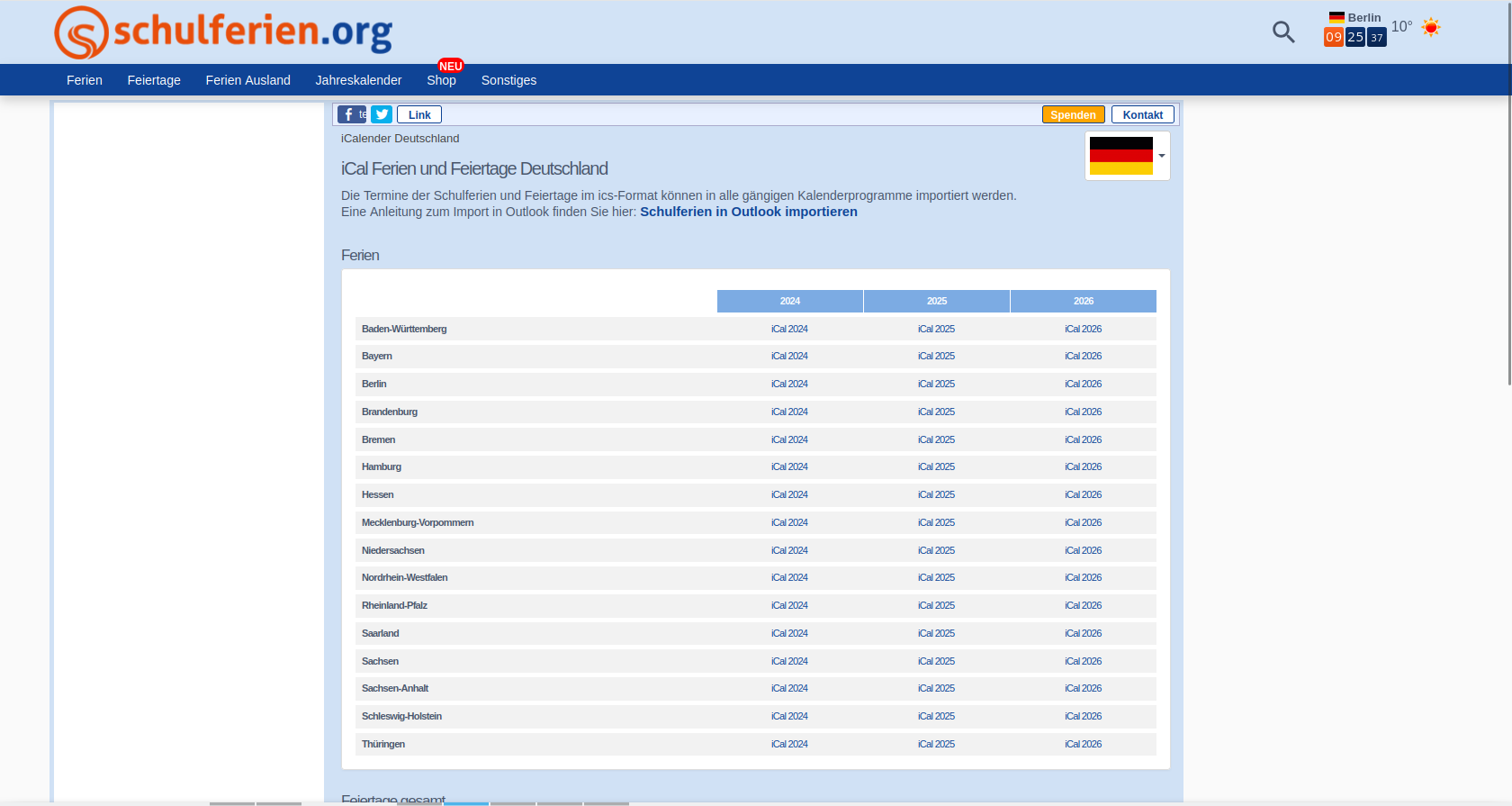
Select the desired calendar and download it in iCal format -
Open your mailbox account and go to the Calendar section.
-
Select the calendar into which you want to import the iCal file.
-
In the calendar settings menu (...), select the Import menu item.

Importing an iCal file in mailbox -
Select the previously downloaded iCal file and click Import.
The appointments will be added to your calendar.


