
The Meet Speed-Test
The Speed Test
On the welcome screen, you can optionally Start Speed Test to check the speed and stability of your internet connection before the meeting.
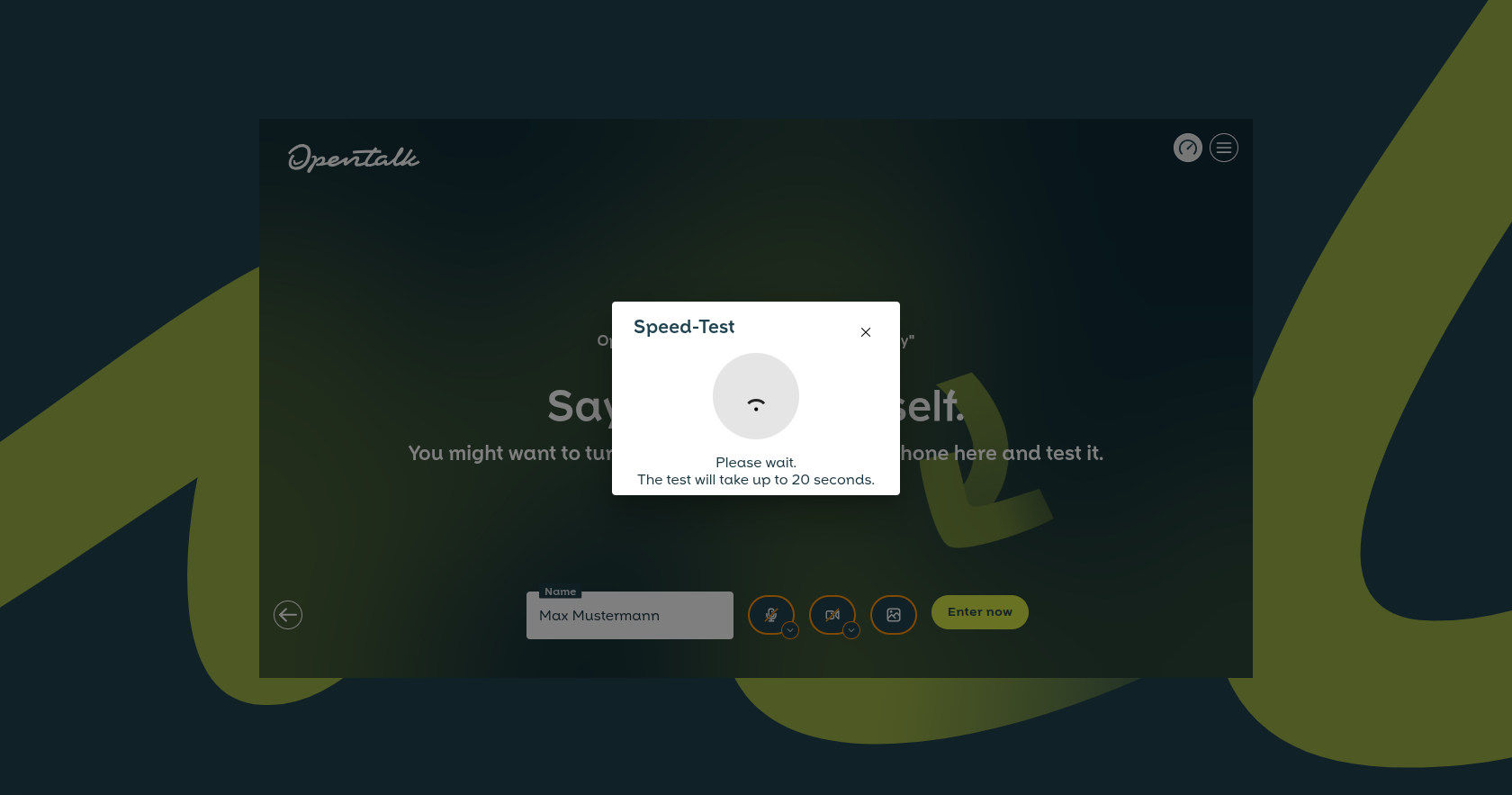
Figure 1: With Start Speed Test, you can perform a quick measurement.
After about 20 seconds, you will receive a result. You can restart the Speed Test at any time (Figure 2).
Figure 2: The result of the Speed Test with a recommendation for participation in the video conference. If necessary, you can restart the Speed Test.
Tips for Participating with a Slow Internet Connection
If your connection is weaker, you can still participate in the video conference. If necessary, you can turn off your camera to save bandwidth. Participation is also possible with a weak connection. Disabling your own camera can help improve transmission quality.


